
At Evokoa, our core philosophy is that enterprise software shouldn't just be a passive dashboard that tells you what went wrong last month. It should be an active operational assistant that helps you fix problems before the next shift starts. With our April 2026 release, we are taking a massive step forward in bridging the gap between identifying operational drift and taking immediate corrective action. Here are the key highlights from our latest rollout.
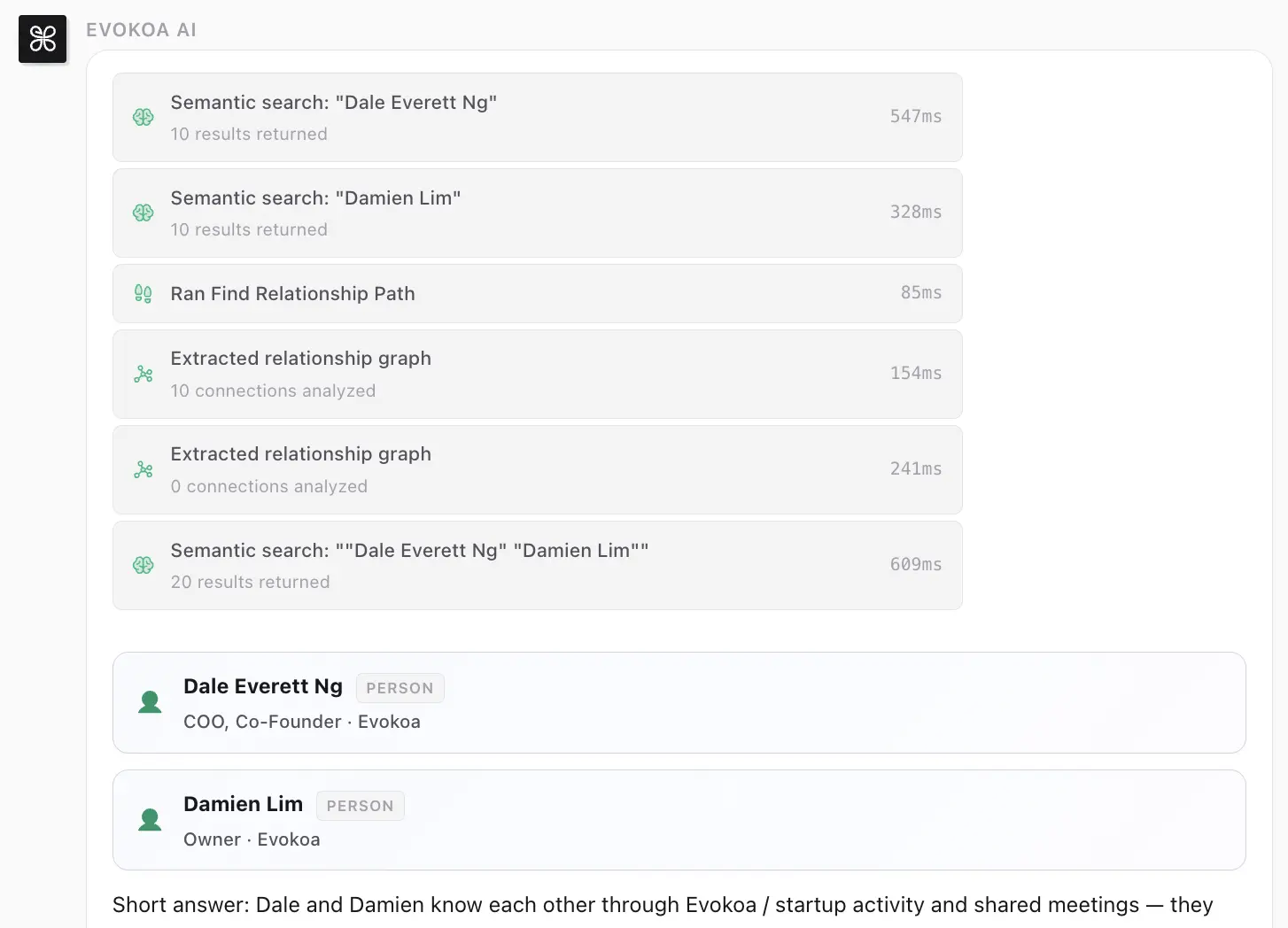
Fuzzy Relationship Pathfinding
In the real world, operational taxonomies are messy. A 'Clinic Manager' at one location might be a 'Branch Supervisor' at another. When you are trying to query the graph to understand why a specific Standard Operating Procedure (SOP) failed across multiple locations, strict edge-matching often leads to dead ends. Our new fuzzy relationship pathfinding solves this. By leveraging vector embeddings to understand the semantic intent of your query, this feature allows you to instantly visualize the shortest and most relevant paths between disparate operational nodes, even if you don't know the exact relationship taxonomy. This means you spend less time wrestling with database syntax and more time actually understanding your operational bottlenecks.
Seamless In-Chat Actions
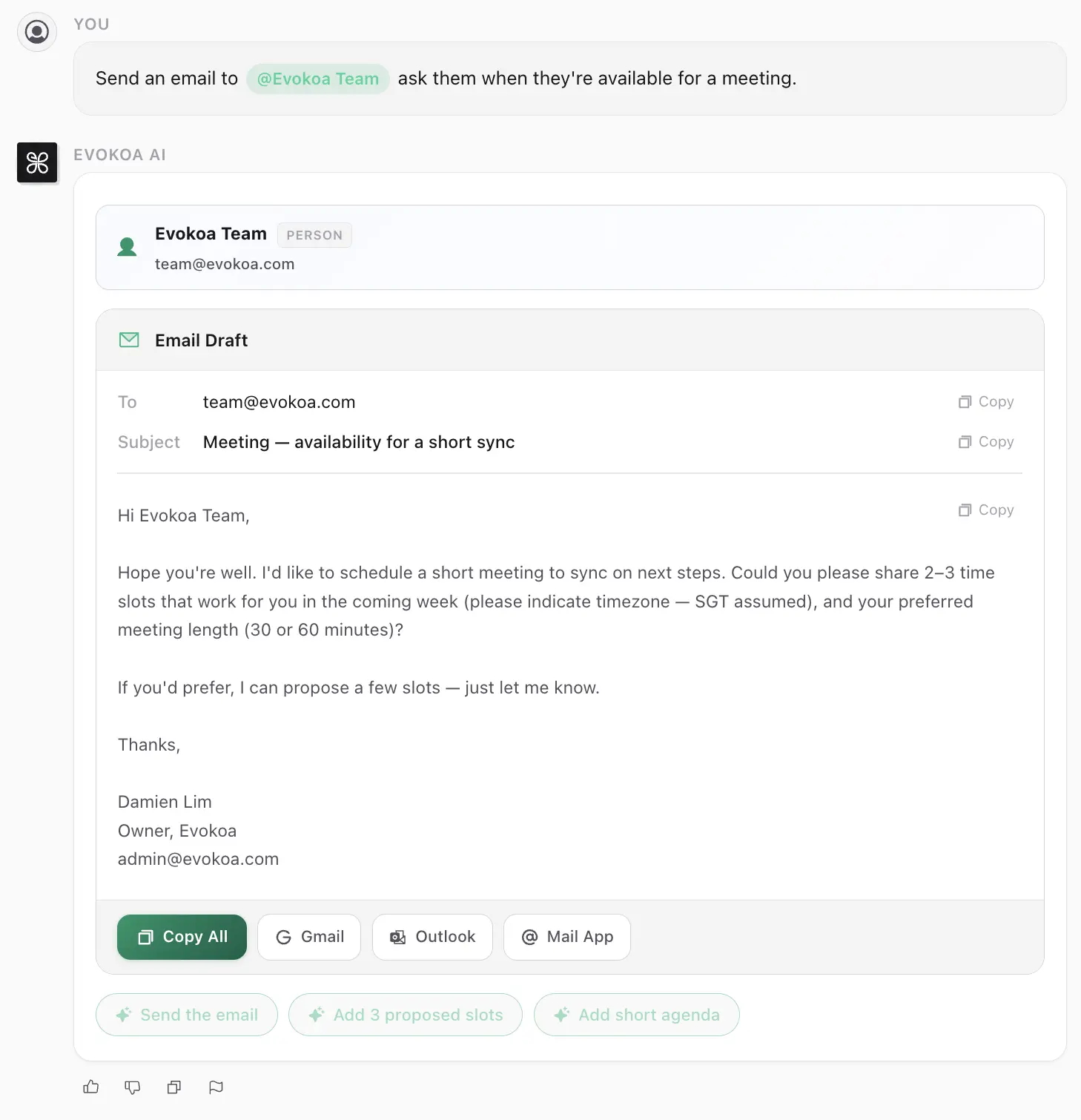
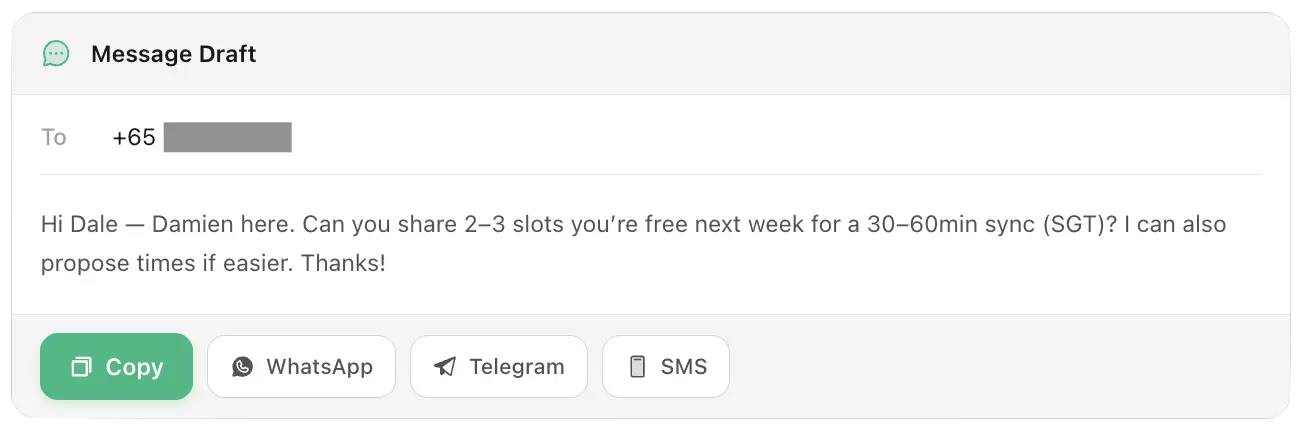
Identifying an SOP violation is only half the battle; the other half is communicating the fix. Previously, you would have to leave the Evokoa interface, open your email client or team messaging app, copy the context, and send a message. You can now take immediate action without leaving the conversation view.
Send Emails & Messages
We've integrated direct email and messaging capabilities straight into the chat view. When the Evokoa agent flags an operational deviation—like a skipped triage protocol—you can instantly command the agent to ping the relevant branch manager. Evokoa automatically packages the surrounding graph context into the message, ensuring the recipient understands exactly what went wrong and how to fix it.
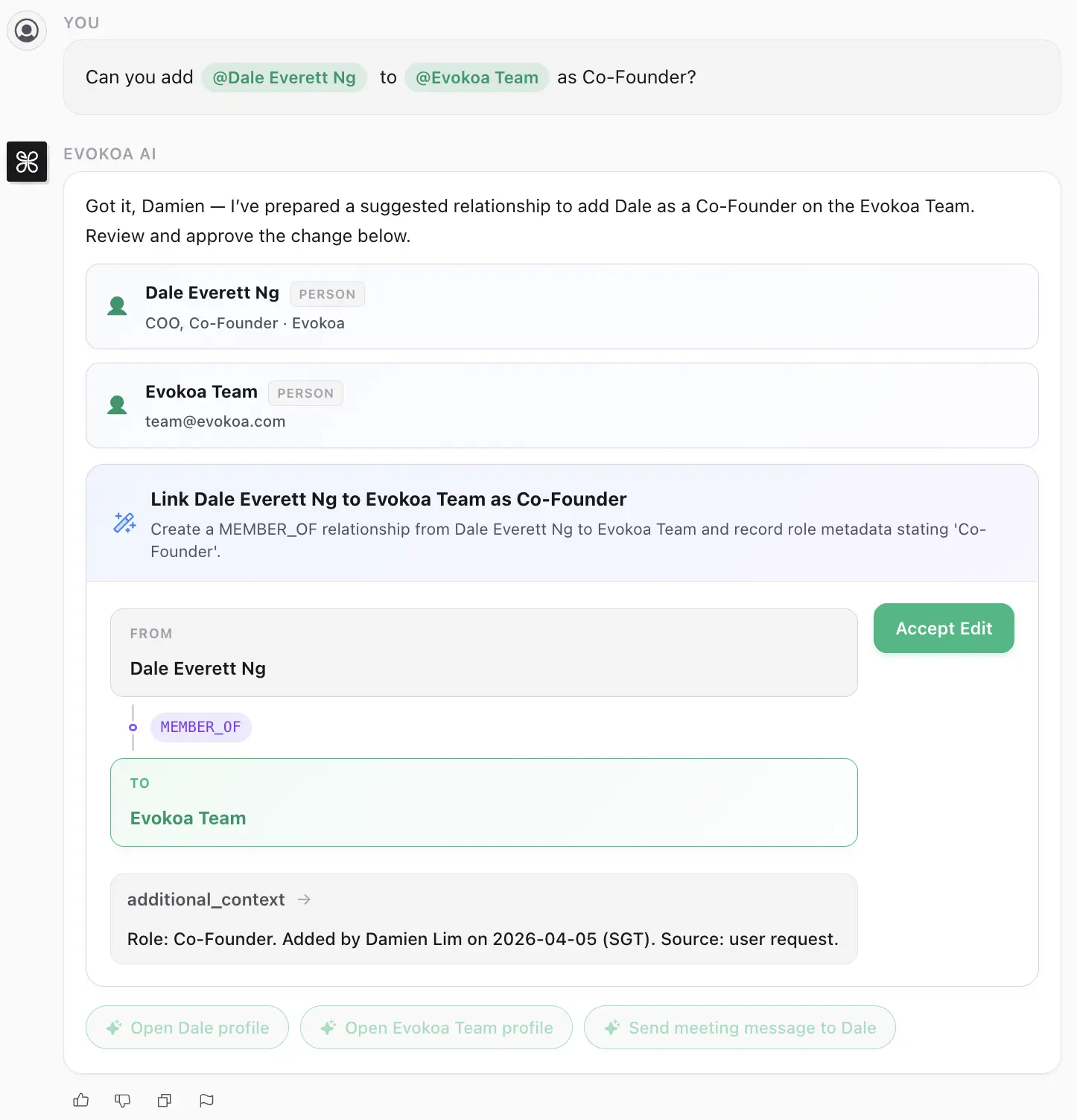
Adding Relationships via Chat
Frontline staff often possess tacit knowledge that hasn't made its way into the formal system yet (e.g., 'Sam is temporarily covering for John on the pediatric desk'). You can now define new node relationships manually using natural language without navigating to the graph explorer. Simply state the relationship in the chat, and the graph updates instantaneously, making operational logging lightning-fast.
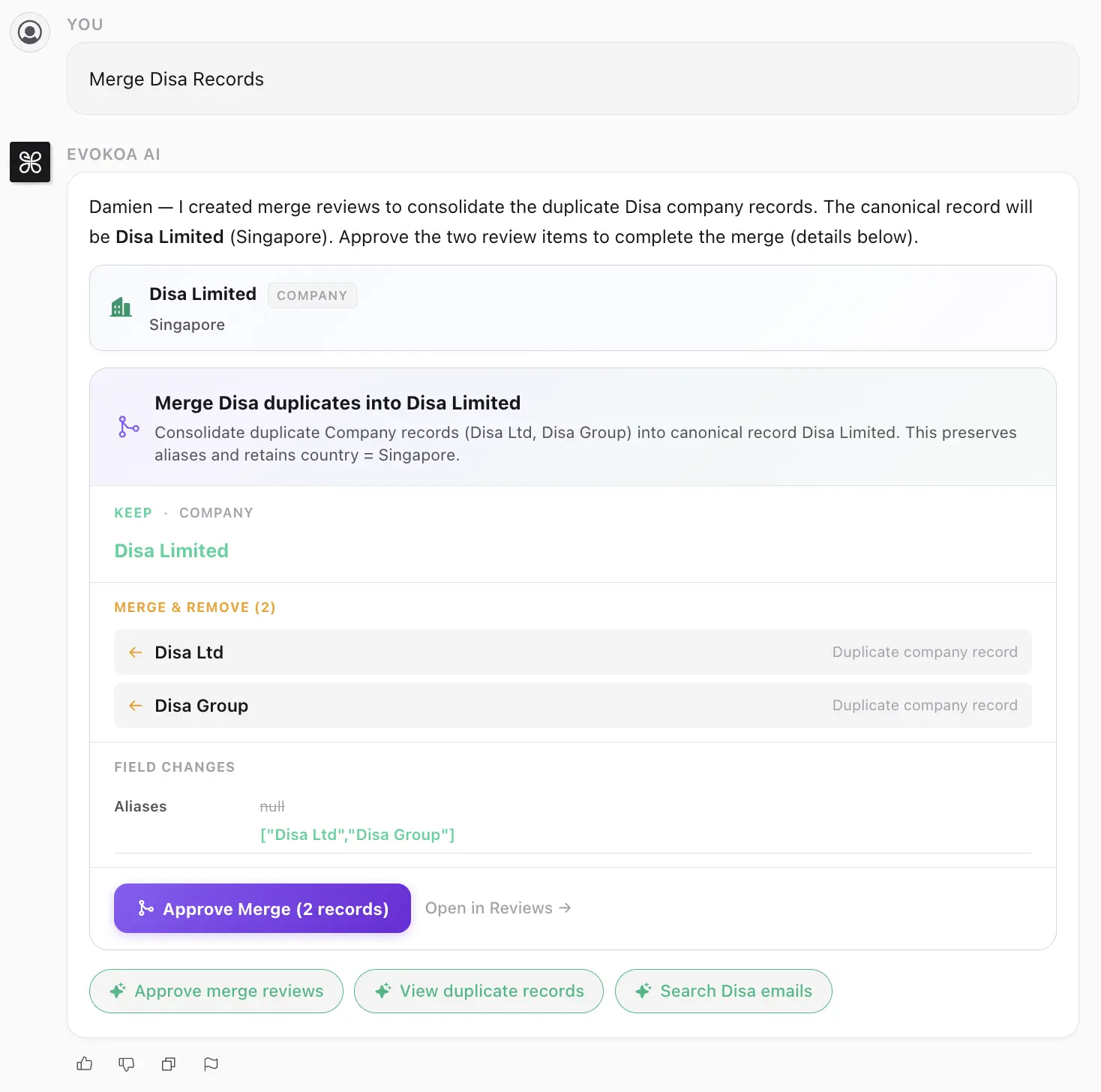
Merge Records
Multi-channel data ingestion inevitably leads to duplicates. 'Jane Doe' from a WhatsApp transcript might be the same entity as 'J. Doe' from a Zendesk ticket. To prevent graph fragmentation, you can now streamline your operating data directly from the chat by merging duplicate or related records seamlessly. This ensures your World Model remains an accurate, single source of truth.
Smarter Interaction
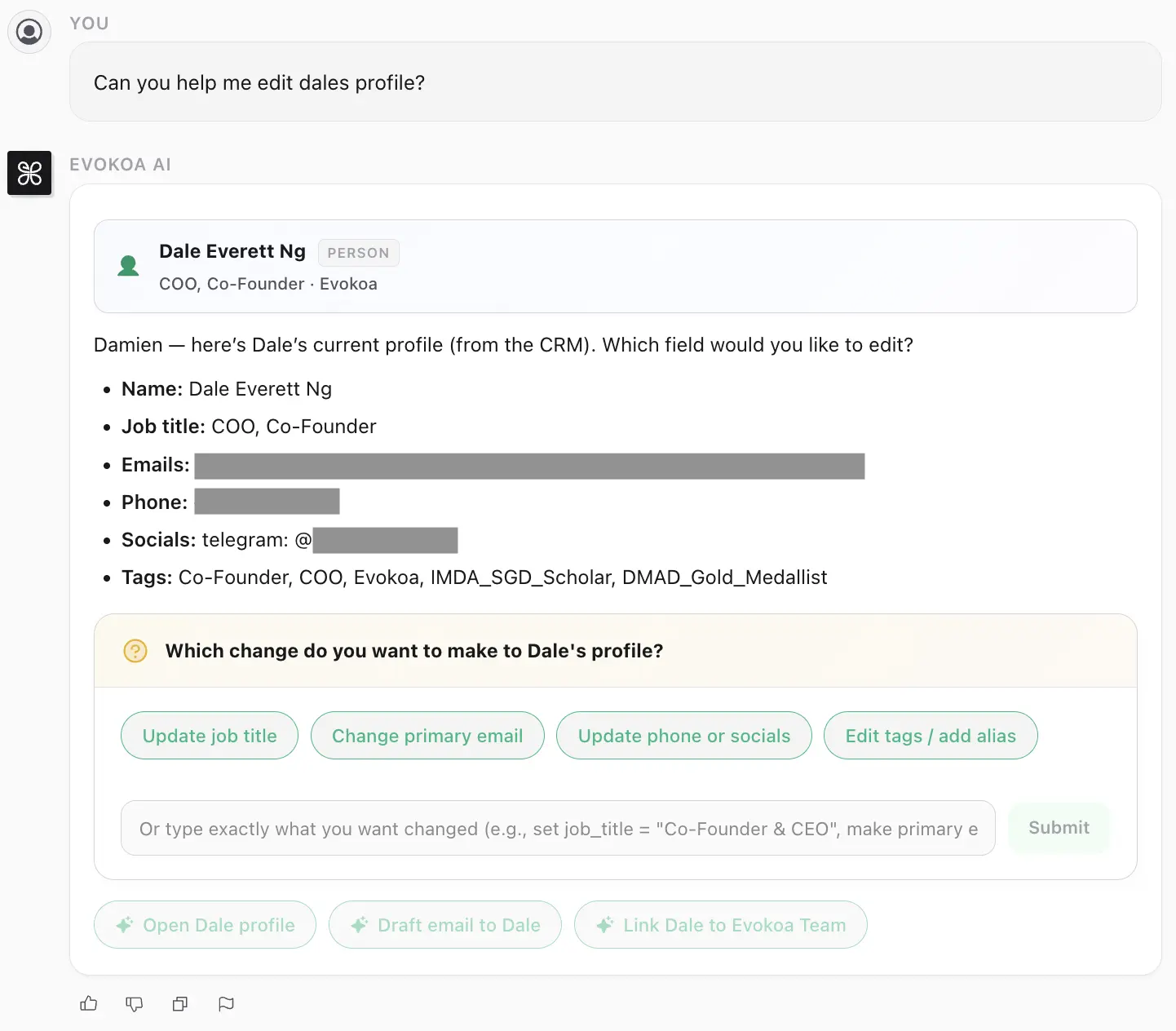
To truly operate as a digital Chief of Staff, an AI agent needs the ability to collaborate, not just answer questions passively. We've overhauled how you query your operational context to be far more interactive.
Evokoa Ask Questions
The agent is now capable of proactively asking clarifying questions if a workflow or SOP query is ambiguous. For instance, if you ask 'Why did conversion rates drop in Singapore?', Evokoa won't just guess; it will ask if you want to focus on the dental branches or the pediatric clinics, ensuring the insights it delivers are precisely targeted.
Tag Autofill in Chat
Finally, we've reduced UX friction when assembling complex queries. Tagging users, specific branch locations, and operational components has been dramatically streamlined with new intelligent autofill directly in the chat entry box. This allows power users to pull nodes into the conversation context instantly.

We are rolling these features out to all multi-location operators starting this week. The evolution from business intelligence to true operational intelligence is accelerating. Stay tuned for further updates as we continue to enhance the Evokoa platform.